> For the complete documentation index, see [llms.txt](https://developer.eagle.cool/plugin-api/llms.txt). Markdown versions of documentation pages are available by appending `.md` to page URLs; this page is available as [Markdown](https://developer.eagle.cool/plugin-api/publishing/package.md).
# Package Plugin
This article will elaborate in detail on how to package plugins and publish them to the Eagle Plugin Center.
## Exporting Your Plugin as an Eagle Plugin
To publish your plugin project to the Eagle Plugin Center, you first need to export the plugin in the `.eagleplugin` format.
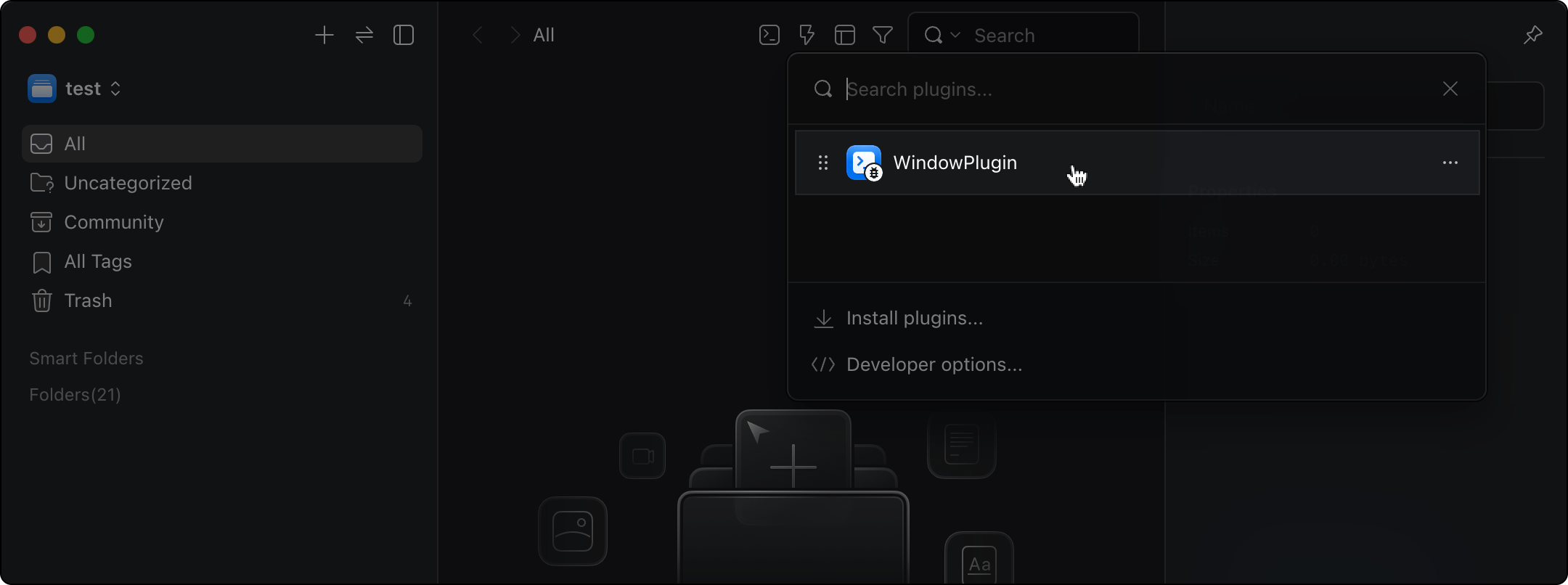
1. Open the plugin panel (or press the `P` key)
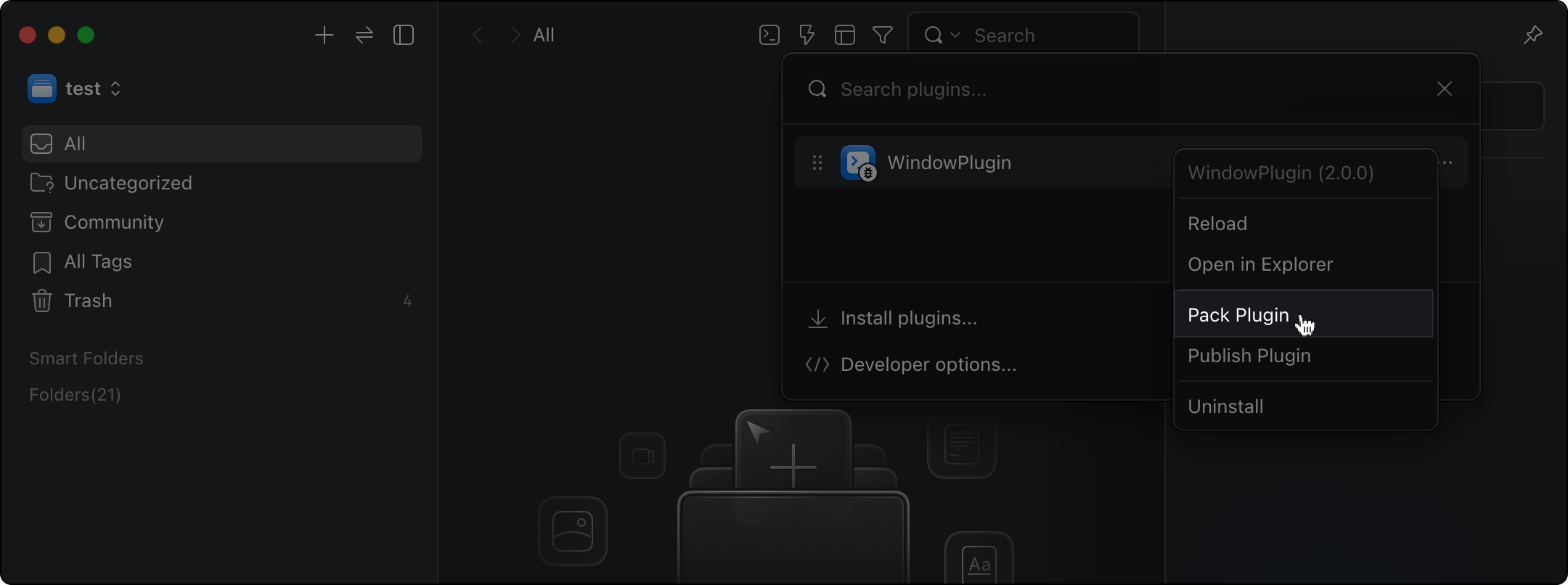
2. Right-click on the plugin you want to publish
3. Select "Pack Plugin"
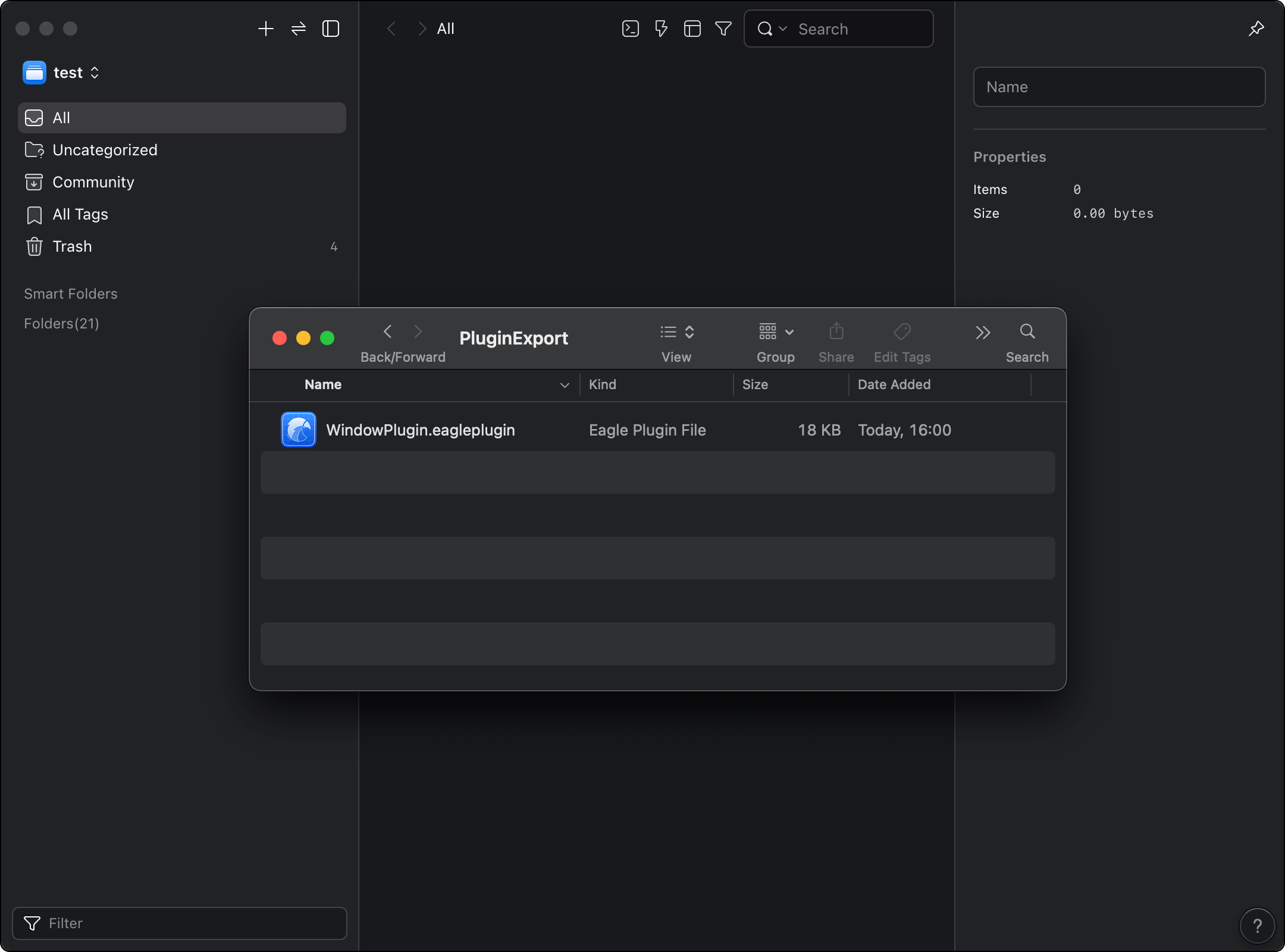
4. Choose the save path and complete the export
5. Check the Eagle Plugin file that you just exported.
Next, go to the Eagle Plugin submission page, upload the `.eagleplugin` file, and provide the required information. The submission first goes through an [initial scan](/plugin-api/plugin-review/review.md#stage-1-initial-scan), then proceeds to human review. Complete the [pre-submission checklist](/plugin-api/publishing/prepare.md) before uploading.